Are you looking to add some interactivity to your WordPress website? Do you want to make it easier for your visitors to get in touch with you? Look no further! In this blog post, we will guide you through the process of adding contact forms and other interactive elements to your WordPress website.
Why Add Contact Forms and Other Interactive Elements?
Before we dive into the technicalities, let’s discuss why adding contact forms and other interactive elements is important for your website.
Firstly, contact forms allow your visitors to get in touch with you without having to leave your website. This makes it easier for them to ask questions or provide feedback.
Secondly, interactive elements such as surveys, quizzes, and polls can help you engage your visitors and gather valuable insights into their preferences and opinions.
Now that we’ve established the importance of contact forms and other interactive elements, let’s get started on how to add them to your WordPress website.
Step 1: Install a Contact Form Plugin
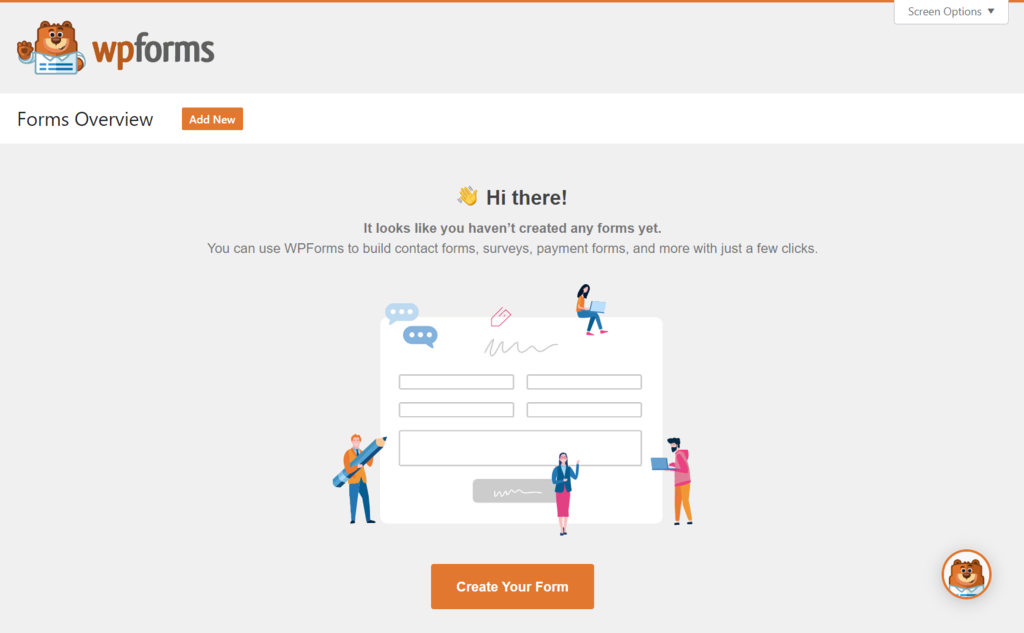
The easiest way to add a contact form to your WordPress website is by using a plugin. There are many contact form plugins available for WordPress, but we recommend using a popular one such as WPForms or Contact Form 7.
To install a plugin, go to your WordPress dashboard and navigate to Plugins > Add New. Search for the plugin you want to install, then click “Install Now” and “Activate”.
Step 2: Create a Contact Form
Once you’ve installed a contact form plugin, the next step is to create a contact form. Most plugins come with pre-built form templates, so you can simply select one and customize it to your needs.
To create a new form, go to your WordPress dashboard and navigate to the plugin’s settings page. From there, you can create a new form and customize it by adding or removing fields, changing the layout, and more.
Step 3: Add the Contact Form to Your Website
Now that you’ve created a contact form, it’s time to add it to your website. Most contact form plugins provide you with a shortcode or a widget that you can use to add the form to your website.
To add the form using a shortcode, simply copy the shortcode provided by the plugin and paste it into the page or post where you want the form to appear.
To add the form using a widget, go to Appearance > Widgets in your WordPress dashboard and drag the contact form widget to the widget area where you want it to appear.
Other Interactive Elements
In addition to contact forms, there are many other interactive elements you can add to your WordPress website. Here are a few examples:
Surveys
Surveys are a great way to gather feedback from your visitors and learn more about their preferences and opinions. You can use a plugin like SurveyMonkey or Google Forms to create and embed surveys on your website.
Quizzes
Quizzes are a fun way to engage your visitors and test their knowledge. You can use a plugin like Quiz Maker to create and embed quizzes on your website.
Polls
Polls are a quick and easy way to gather opinions from your visitors. You can use a plugin like WP-Polls to create and embed polls on your website.
Conclusion
Adding contact forms and other interactive elements to your WordPress website is a great way to engage your visitors and make it easier for them to get in touch with you. By following the steps outlined in this blog post, you can easily add these elements to your website and start reaping the benefits. So what are you waiting for? Get started today!
