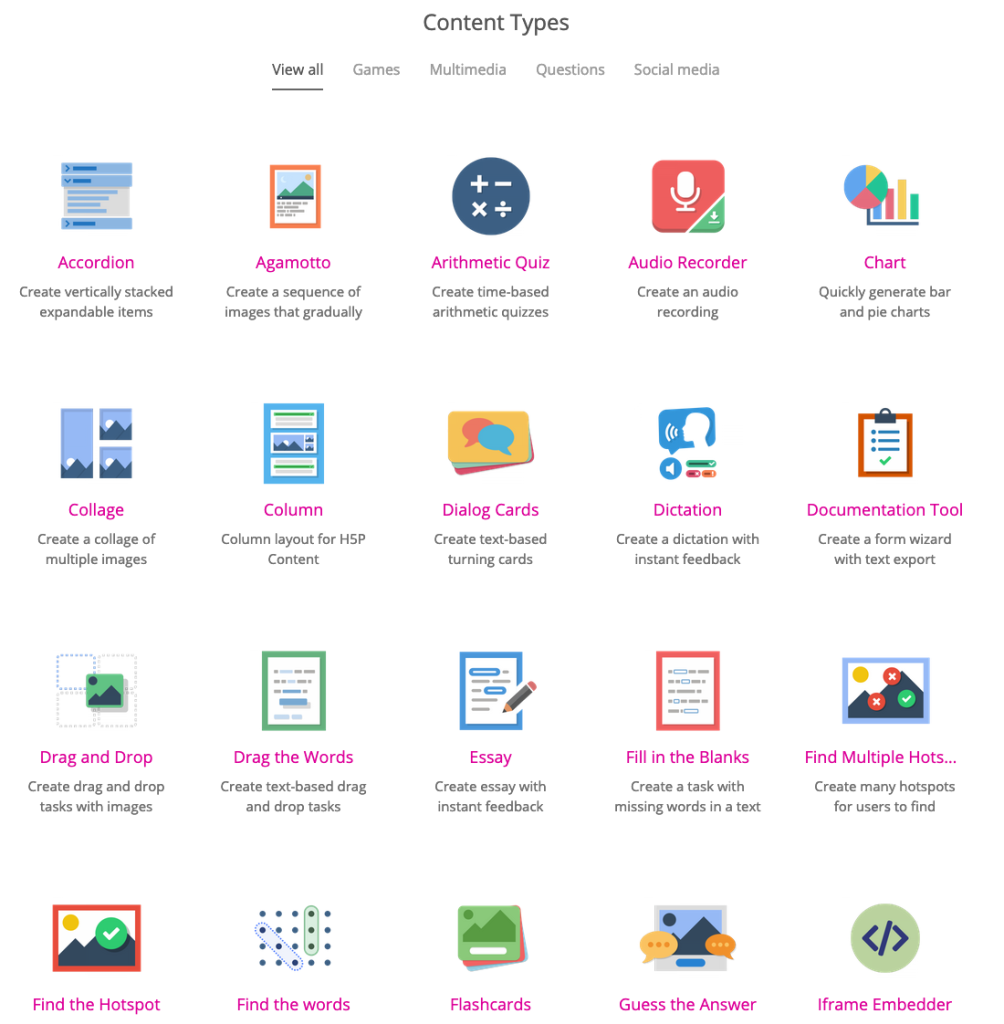
Open edX supports a variety of course content types, including:
- HTML: This is the most basic type of content, and it can be used to create anything from text pages to interactive exercises.
- Video: Videos are a great way to engage learners and provide them with visual demonstrations of concepts.
- Audio: Audio files can be used to provide learners with auditory explanations of concepts.
- Images: Images can be used to illustrate concepts or provide visual breaks in the text.
- Quizzes: Quizzes are a great way to assess learner understanding of the material.
- Assignments: Assignments can be used to give learners hands-on practice with the material.
- Discussions: Discussions allow learners to collaborate with each other and share their thoughts on the material.
- External tools: Open edX can integrate with a variety of external tools, such as Google Docs, GitHub, and Jupyter Notebooks.
In addition to these basic content types, Open edX also supports a number of more specialized content types, such as:
- Problem sets: Problem sets are a collection of related problems that are designed to help learners master a particular concept.
- Simulations: Simulations allow learners to interact with a virtual environment and explore concepts in a hands-on way.
- Collaborative learning tools: These tools allow learners to work together on projects and assignments.
- Assessments: Open edX supports a variety of different assessment types, including multiple choice, fill-in-the-blank, and essay questions.
The specific content types that are available in a particular course will depend on the needs of the learners and the goals of the course. However, the list above gives you a good overview of the different types of content that can be created in Open edX.
