To create and manage discussion forums in Moodle, follow these steps:
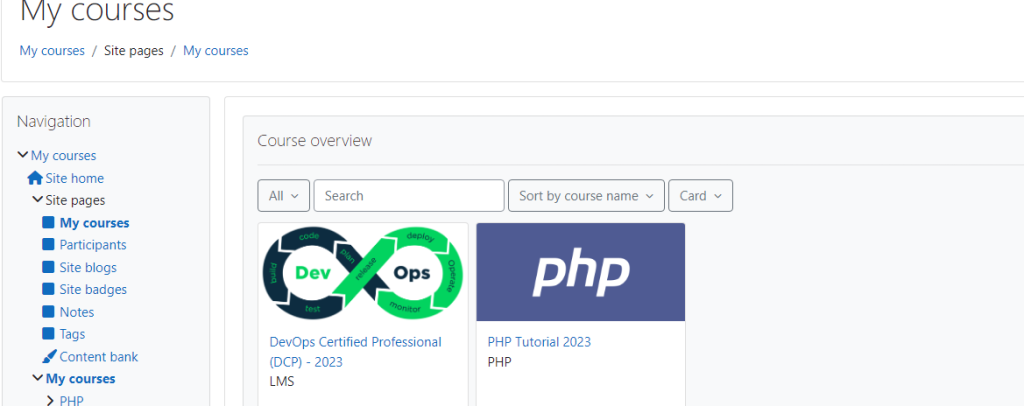
- Log in to your Moodle account and navigate to the desired course page.
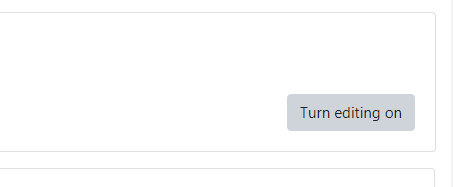
2. Turn editing mode on by clicking on the “Turn editing on” button in the top right corner.
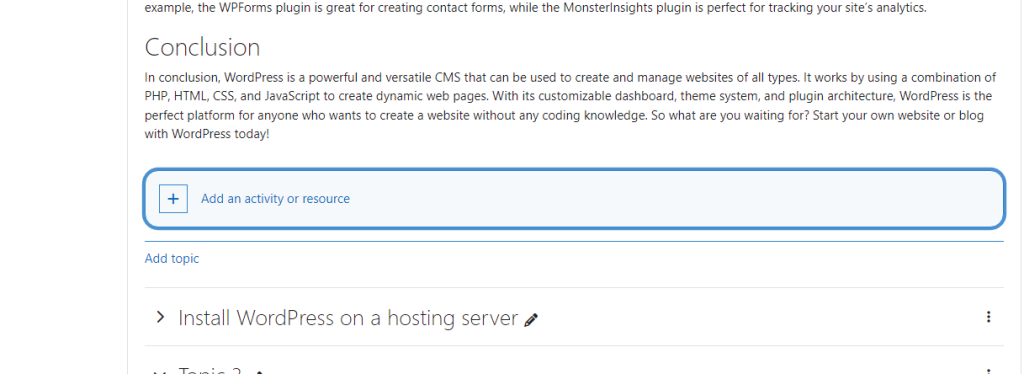
3. In the section or topic where you want to add the discussion forum, click on the “Add an activity or resource” link.
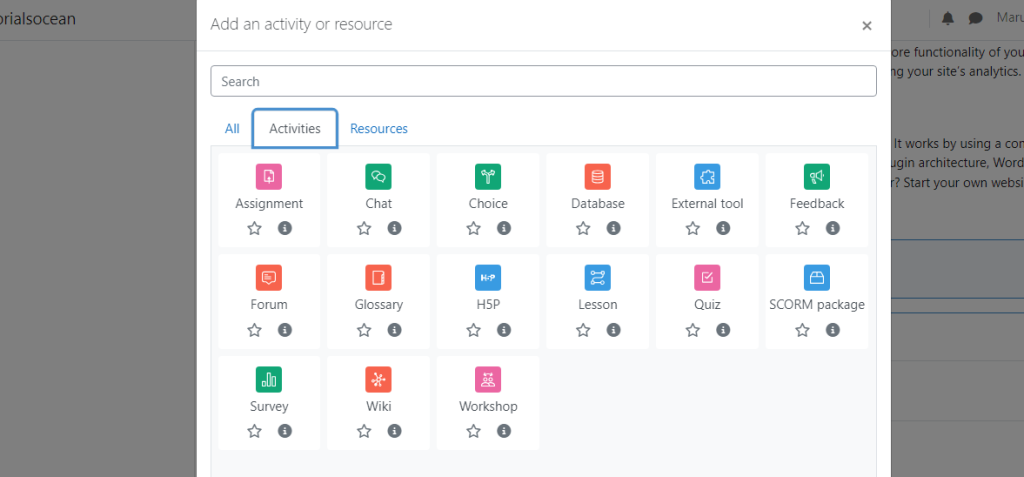
4. From the activity chooser, select “Forum” and click on the “Add” button.
5. In the “Adding a new forum” page, provide a suitable name and description for the forum.
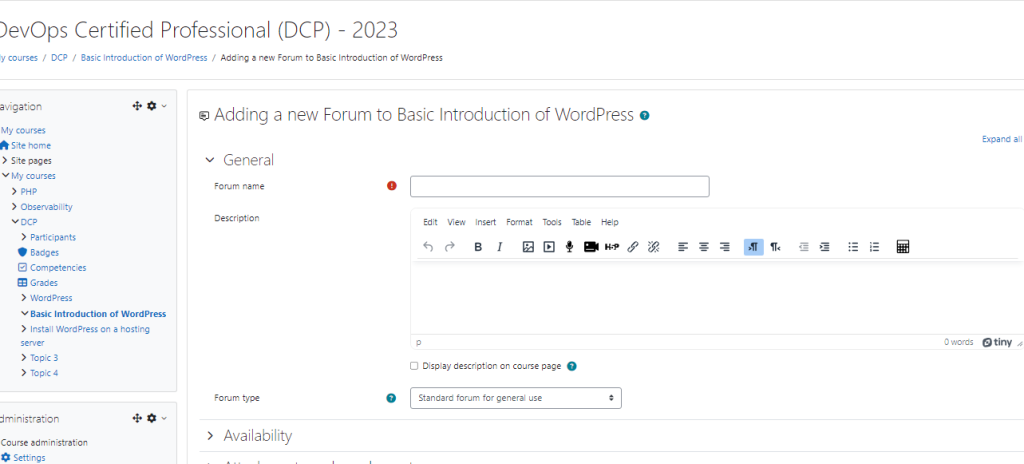
6. Choose the forum type based on your requirements. Moodle offers various types, such as a standard forum for general discussions, a single simple discussion, a question and answer forum, etc.
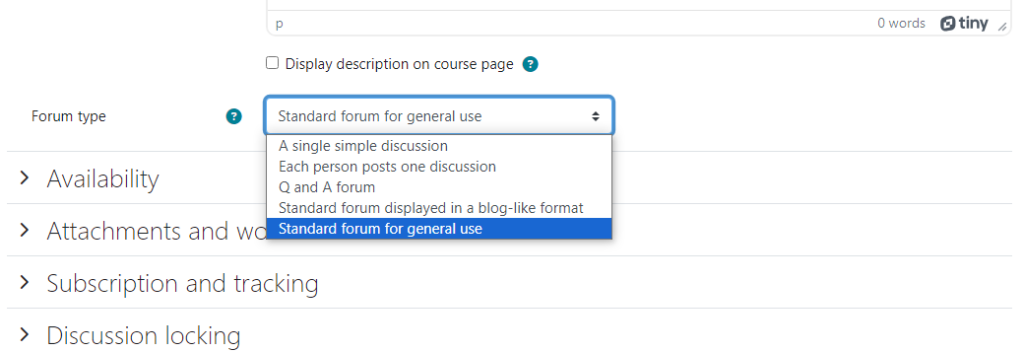
6. Configure other settings like subscription options, post threshold, display, etc., according to your preferences.
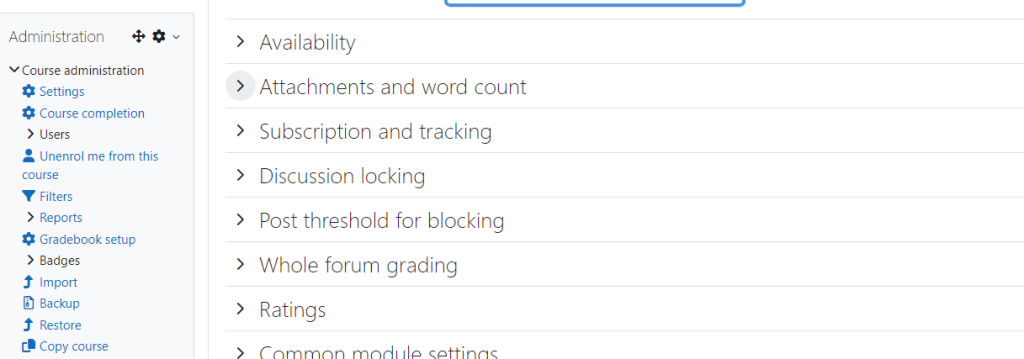
7. Scroll down to set permissions and decide who can view, post, and moderate in the forum.
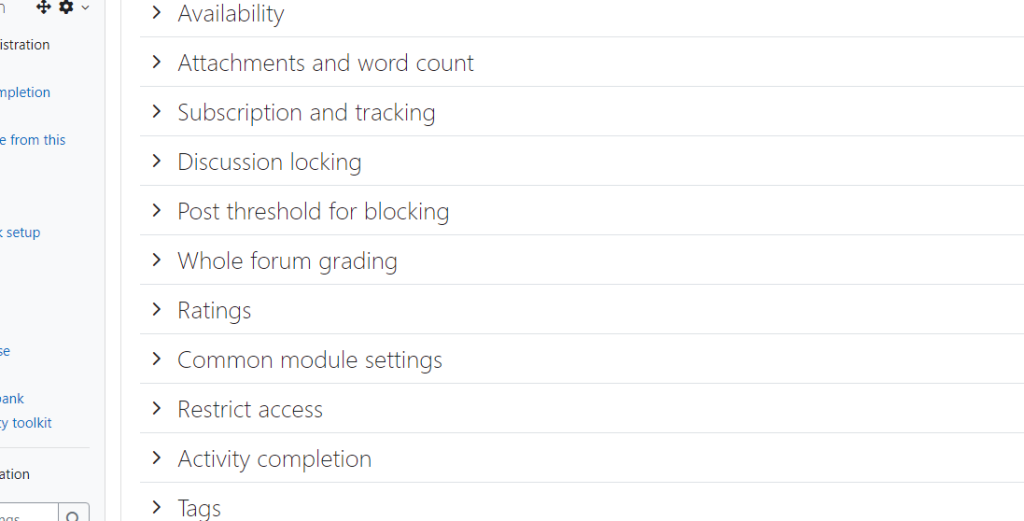
8. Once you have configured the settings, click on the “Save and return to course” or “Save and display” button.
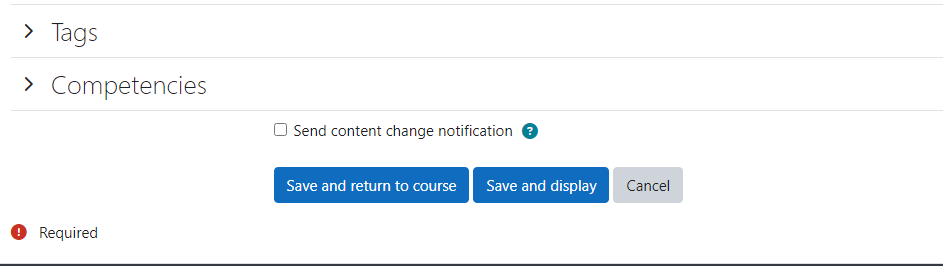
9. Now the forum is created and visible to the students in the course. To manage the discussion forum, you can:
- Edit the forum settings by clicking on the Edit icon next to it.
- View and moderate the discussions by clicking on the forum name. You can reply to posts, delete inappropriate content, split discussions, and perform other moderation actions.
- Grade the forum posts if you have set the forum to be graded.
