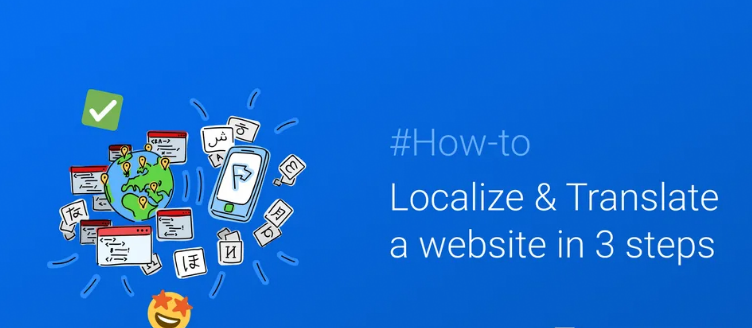
What is Website Localization?
Website localization involves adapting a website’s content to meet the language, cultural, and other unique needs of a specific target audience. This process involves translating the website’s content into the target language, adapting the design and layout to conform to local cultural norms, and addressing any regulatory or legal requirements specific to the target audience.
Why Localize Your Website?
Localizing your website can help you reach a wider audience and increase your website’s traffic, engagement, and sales. By providing content in a language and format that your target audience understands and prefers, you can build trust, credibility, and loyalty with your customers.
Here are the steps on how to set up and manage WordPress website localizations and translations:
- Choose a translation plugin. There are many translation plugins available for WordPress, but some of the most popular ones include WPML, Polylang, and TranslatePress. Each plugin has its own strengths and weaknesses, so it’s important to choose one that’s right for your needs.
- Install and activate the translation plugin. Once you’ve chosen a translation plugin, you can install and activate it in your WordPress dashboard.
- Configure the translation plugin. The next step is to configure the translation plugin. This will involve setting up the languages you want to translate your site into, as well as choosing how you want to manage the translations.
- Translate your content. Once the translation plugin is configured, you can start translating your content. This can be done manually or by using a translation service.
- Test your translations. Once you’ve translated your content, it’s important to test the translations to make sure they’re accurate and correct.
- Publish your translations. Once you’re happy with the translations, you can publish them to your website.
Here are some additional tips for setting up and managing WordPress website localizations and translations:
- Use a translation management system (TMS). A TMS can help you to manage your translations more effectively. It can track translations, assign translations to translators, and store translations in a central location.
- Get professional translations. If you’re not comfortable translating your content yourself, you can hire professional translators to do it for you. This can ensure that your translations are accurate and correct.
- Test your translations thoroughly. It’s important to test your translations thoroughly before you publish them. This will help you to catch any errors or mistakes.
- Keep your translations up-to-date. As your website changes, you’ll need to update your translations accordingly. This will ensure that your website is always up-to-date and accurate in all languages.
Here are some additional resources that you may find helpful:
- WordPress Localization Guide: https://make.wordpress.org/polyglots/handbook/for-editors/working-with-core/
- How to Translate WordPress: https://translatepress.com/translate-wordpress-guide/
- The Ultimate Guide to WordPress Translation and Localization: https://wpmudev.com/blog/ultimate-guide-wordpress-localization/
